Edjobster reads only the spreadsheet you connect (plus read-only access to list your sheets and fetch resumes uploaded through the Form), and writes screening results back into that one sheet. It never touches your other files.
Before you start
A Google account you can sign in with.
A response sheet with applicant rows, typically the sheet behind a Google Form, with columns like name, email, and a resume link.
Setup steps
1
Connect your Google account
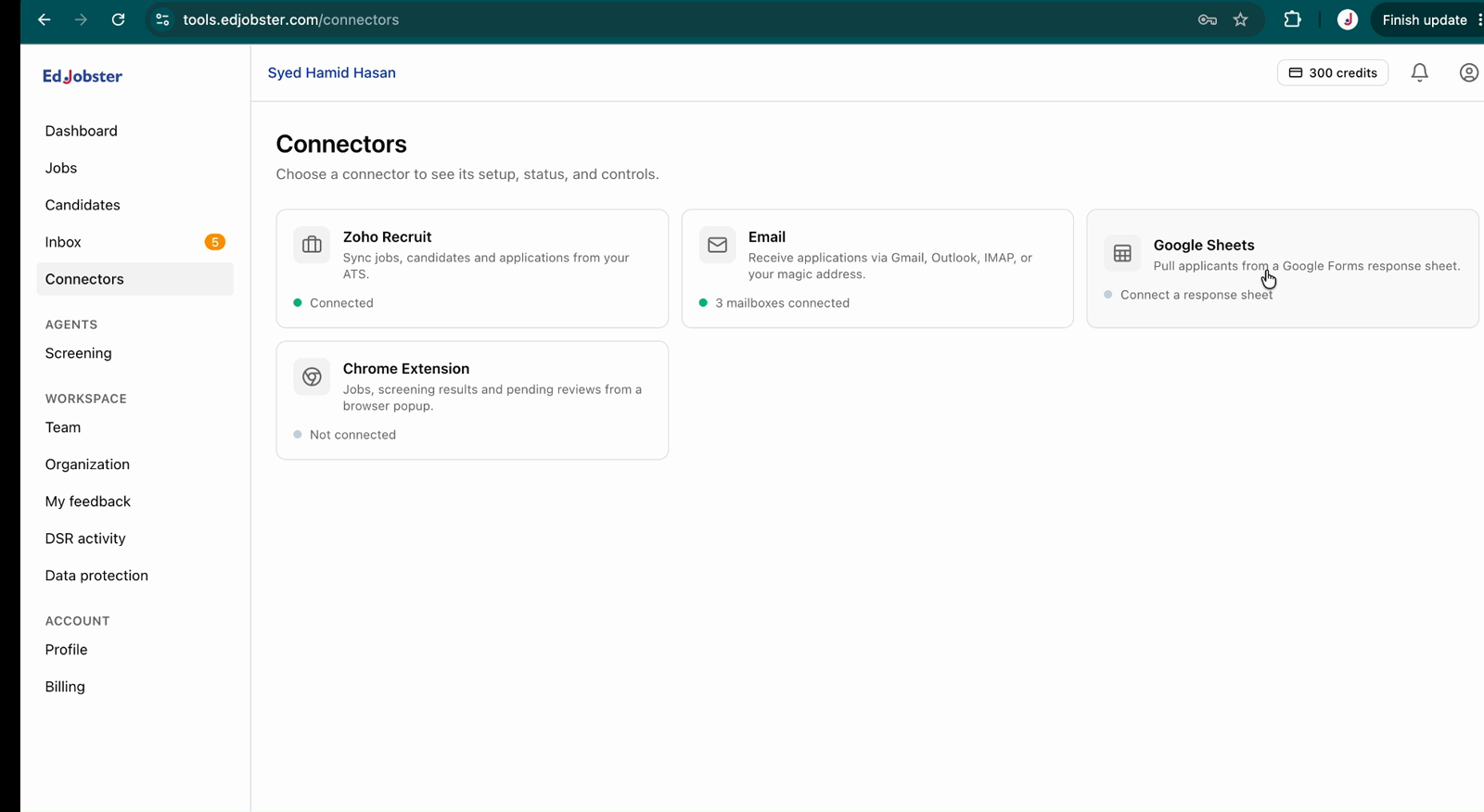
Go to Connectors → Google Sheets and click Connect Google account.
2
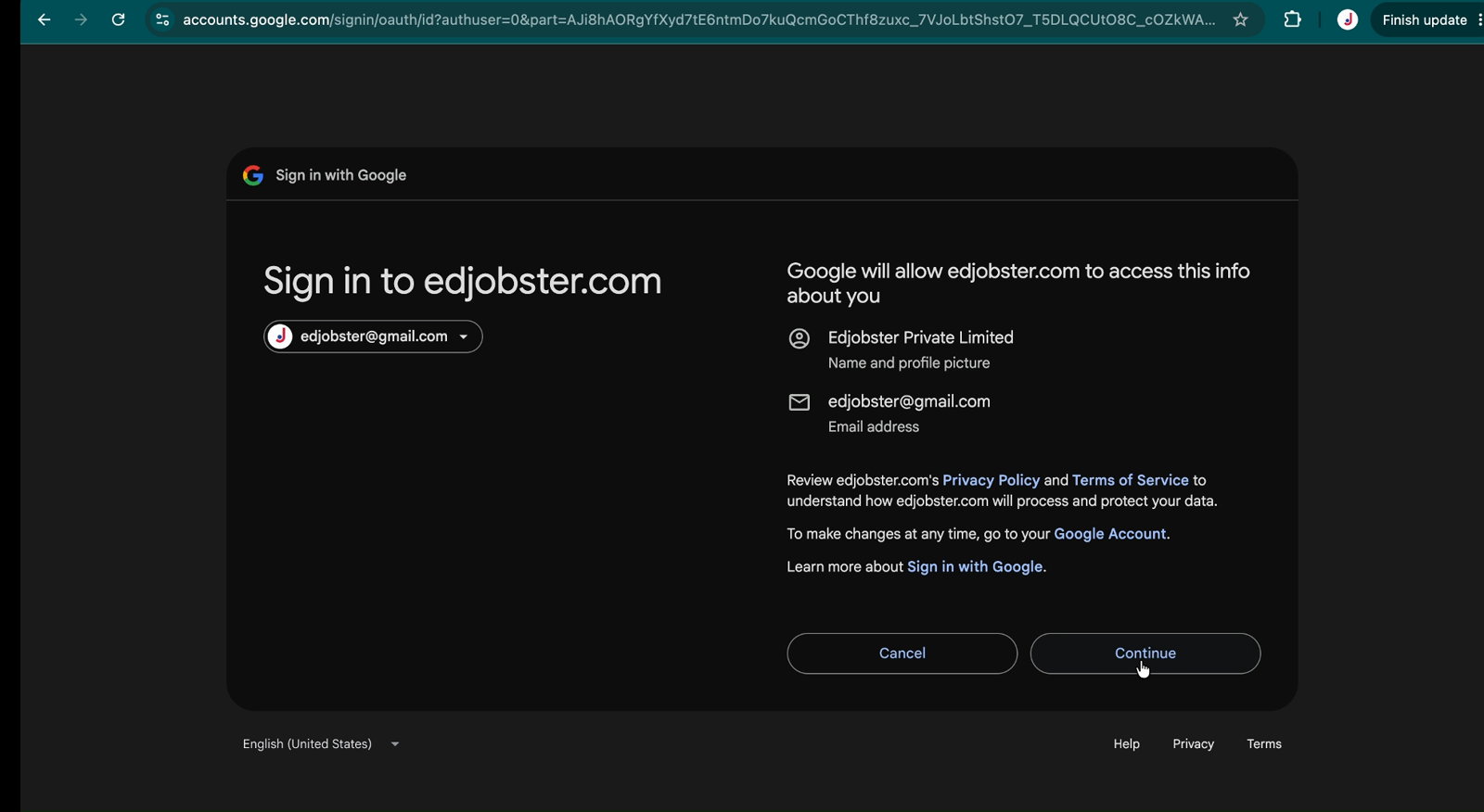
Approve access
Approve access to your spreadsheets and read-only Drive (Drive is used only to list your sheets when you pick one and to fetch Form-uploaded resumes).
3
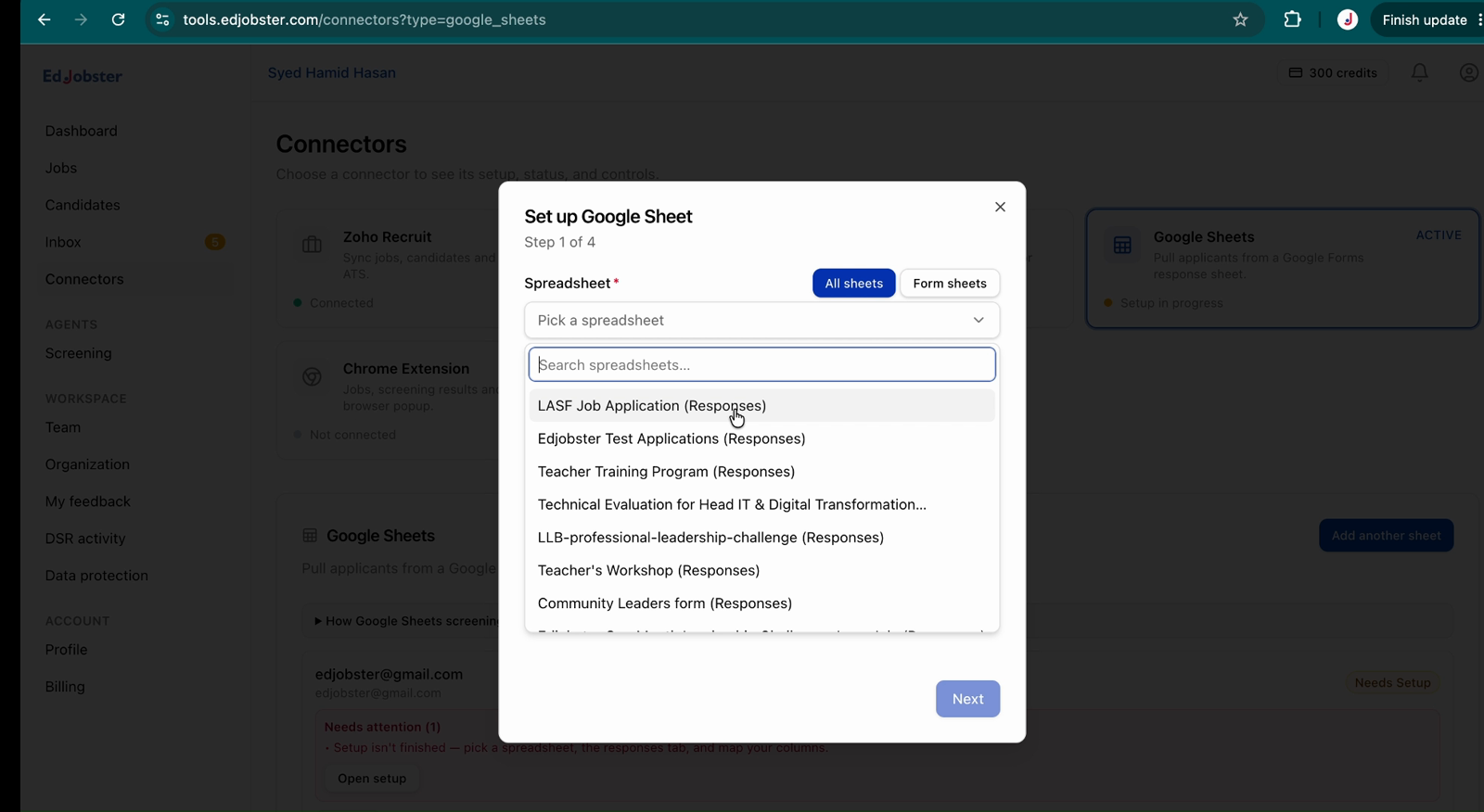
Pick the spreadsheet and tab
Choose the spreadsheet, then the tab that holds the form responses.
4
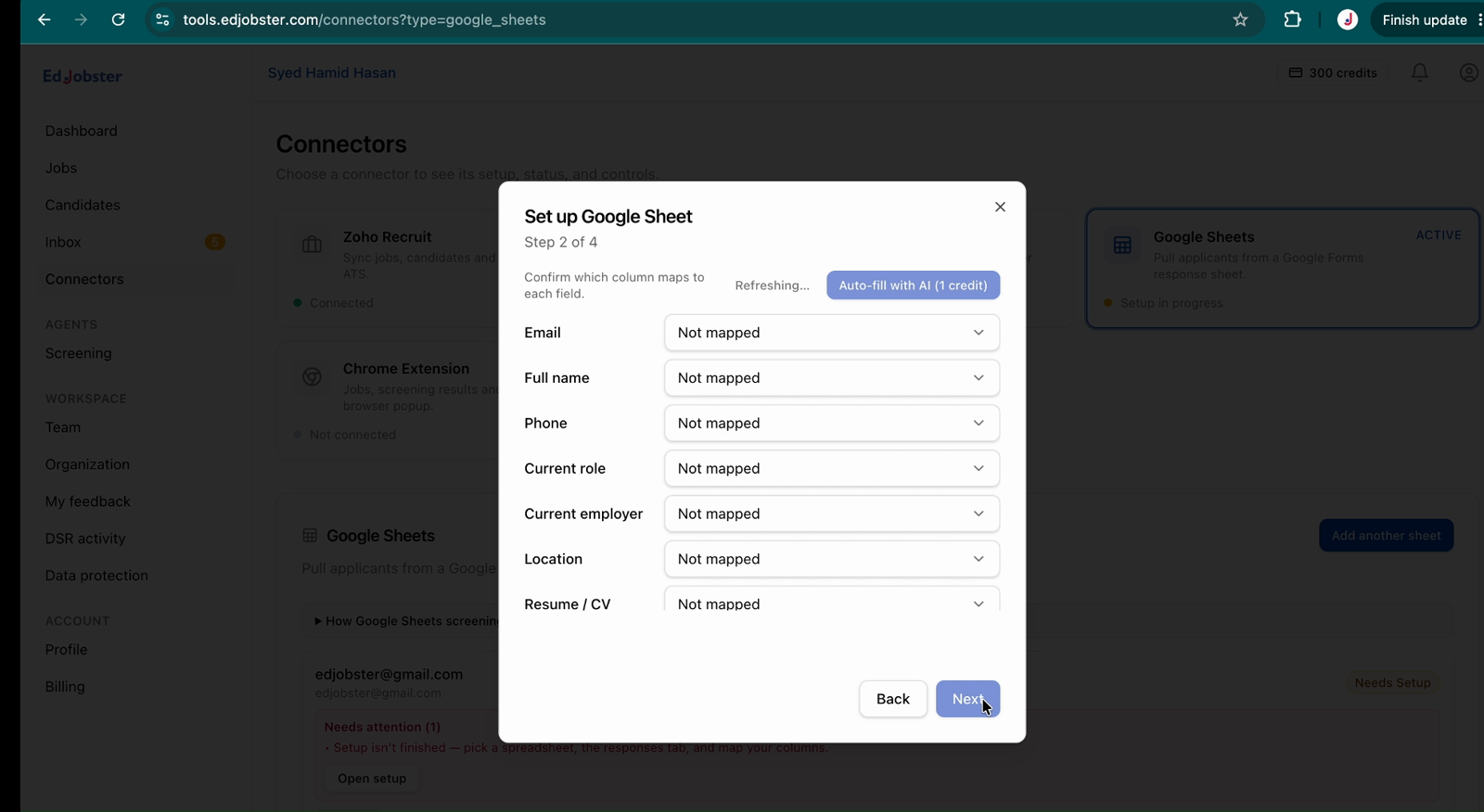
Map your columns
Tell Edjobster which columns hold the email, name, resume link, and so on. Edjobster auto-suggests a mapping from your headers. Confirm it once and it's reused for every new row.
5
Choose how new rows arrive
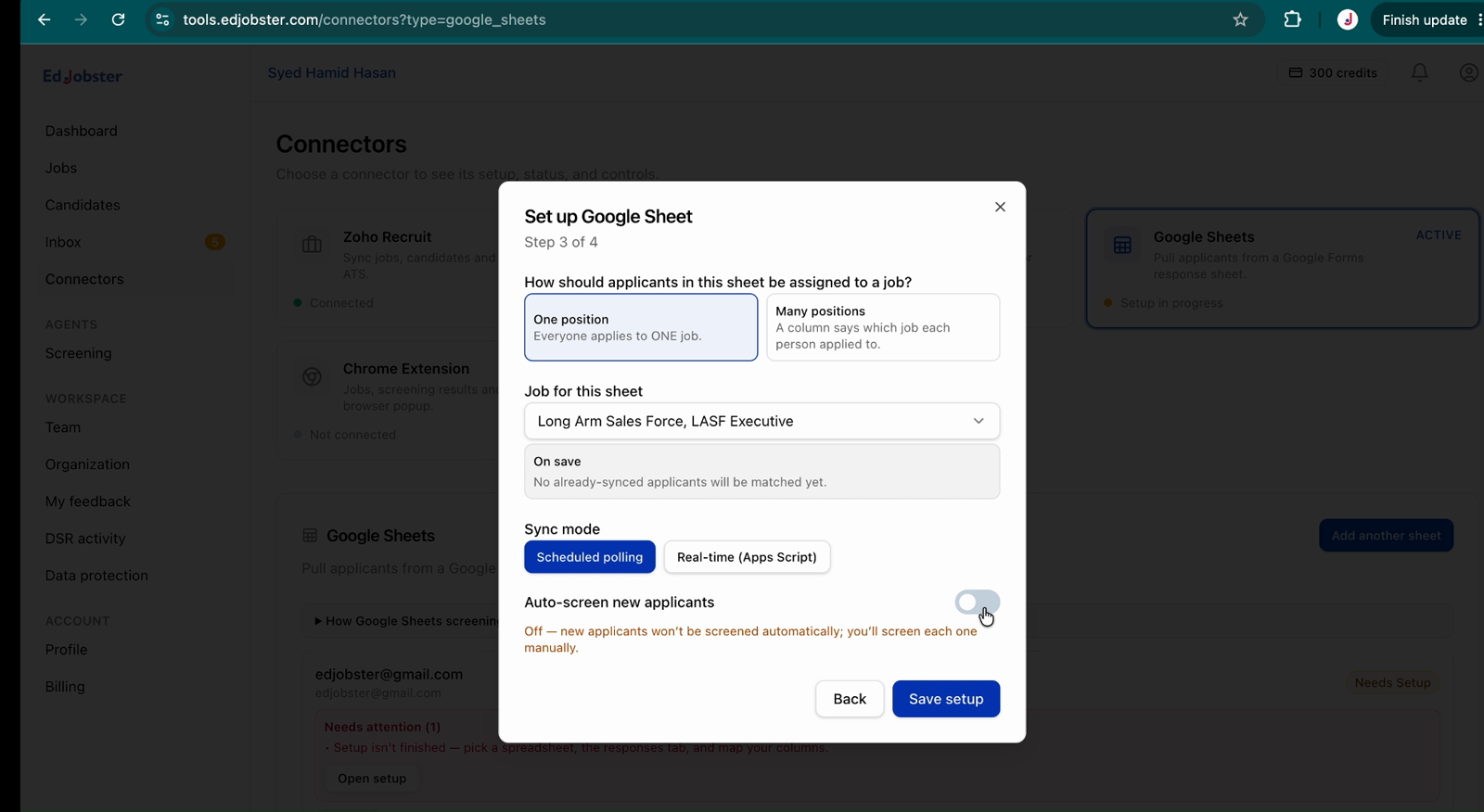
Install the one-click Apps Script to push new form responses to Edjobster the moment they're submitted, or rely on the Sync button and scheduled polling. Both keep new applicants flowing in.
Verify it worked
New Form responses flow into Edjobster, get screened, and the result is written back into your sheet. Edjobster adds AI Status, AI Score, AI Summary, Report Link, and Screened At columns. The same candidates also appear in the dashboard and Chrome extension.
Troubleshooting
A candidate's resume wasn't read.
If the resume was uploaded to a Drive Edjobster can't access, the row is still ingested but flagged with no resume. Make sure Form file-uploads are accessible to the connecting account.
New responses stopped coming in.
If you're relying on polling, use the Sync button to pull now. For instant arrival, install the one-click Apps Script on the response sheet.
I edited the Form and mapping looks off.
Editing a Form changes its headers. Edjobster detects the change and re-prompts the column mapping. Confirm it again and new rows resume.